ERP and CRM Integration: Why It Matters and How to Get It Right
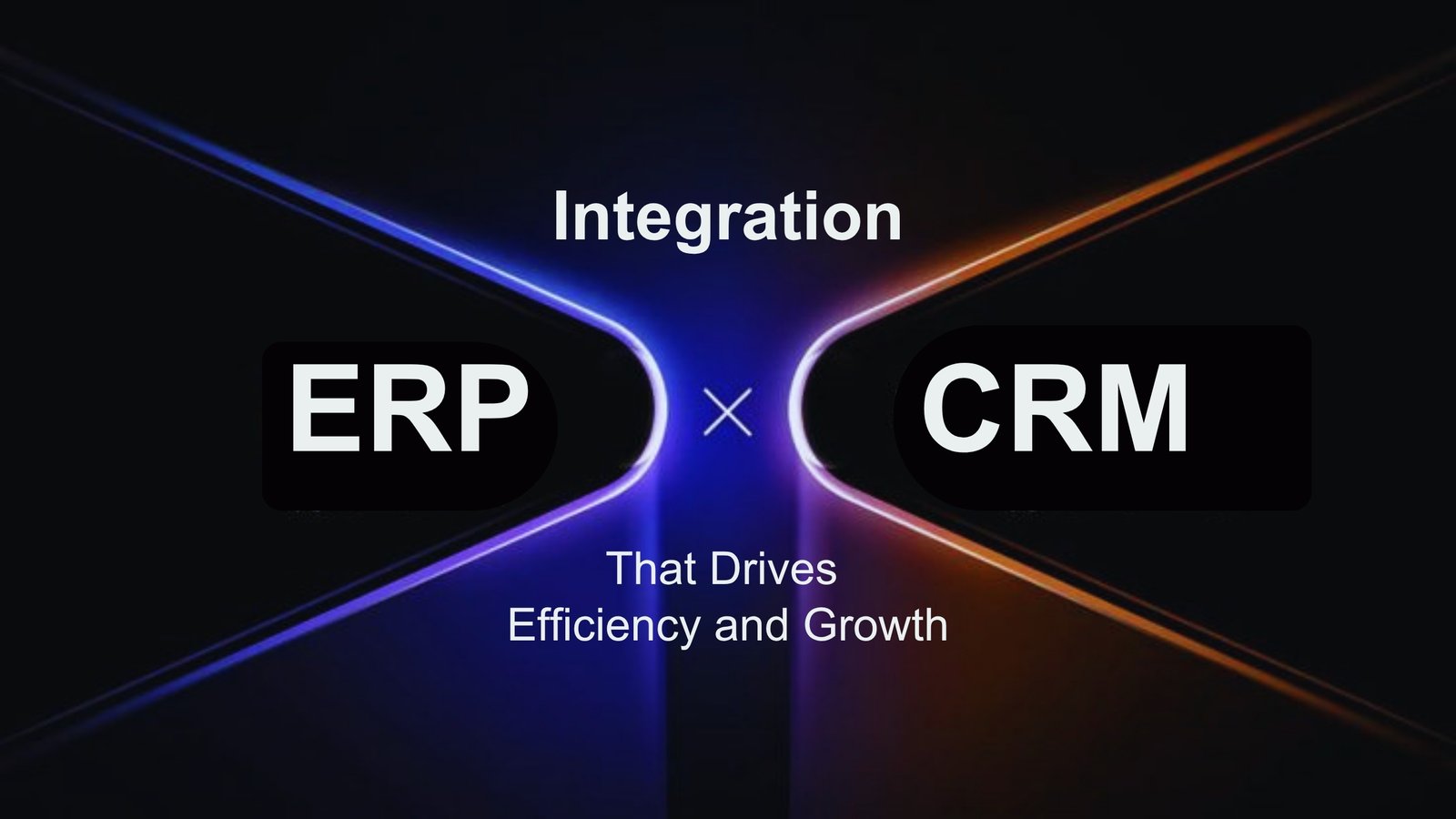
ERP and CRM integration connects your customer-facing systems (CRM) with your back-office systems (ERP) so data flows automatically between sales, finance, and operations—creating a single source of truth instead of disconnected silos. When a deal closes in the CRM, the ERP can instantly create the order, generate the invoice, and trigger fulfillment, with no re-keying in between.
This guide explains what ERP and CRM integration is, why it matters, the measurable benefits, how it actually works, the challenges to plan for, and how UAE businesses can implement it successfully.
Key takeaways
- What it is: Linking an ERP and a CRM so customer, order, inventory, pricing, and invoice data stay in sync across both platforms.
- Why it matters: Disconnected systems create blind spots that slow decisions and frustrate customers. An oft-cited IBM estimate puts the cost of poor-quality data to the US economy at roughly $3.1 trillion a year, and Salesforce research found sales reps spend up to 21% of their time chasing incomplete data.
- Core benefits: Faster sales cycles, fewer manual errors, better customer service, more accurate forecasting, and a foundation for AI and scale.
- How it works: Through native connectors, middleware/iPaaS platforms, or custom APIs — chosen based on your systems and data volume.
- The hard part: Data quality, clear system ownership, and user adoption — not the technology itself.
What is ERP and CRM integration?
| CRM (Front Office) | ERP (Back Office) | |
|---|---|---|
| Manages | Leads, opportunities, customer communication | Finance, inventory, procurement, fulfillment |
| Primary Users | Sales, marketing, support | Finance, operations, supply chain |
| Goal | Win and retain customers | Operational efficiency and control |
| Examples | Salesforce, HubSpot, Zoho, Microsoft Dynamics 365 | SAP, Oracle NetSuite, Microsoft Dynamics 365, Odoo |
Why do businesses need ERP and CRM integration?
- In Dataversity’s 2024 Trends in Data Management survey, 68% of respondents named data silos as their top concern.
- Workday reports that 43% of leaders cite data silos as a primary challenge, yet only 12% of executives say they have fully connected, accessible data.
- Salesforce research found reps lose up to 21% of their working time to researching incomplete data.
The benefits of ERP and CRM integration
1. Faster, smarter sales
2. Higher operational efficiency
3. Better customer experience
4. More accurate forecasting
5. Less manual work and lower cost
6. A foundation for growth and AI
How does ERP and CRM integration actually work?
| Method | How it works | Best for | Trade-off |
|---|---|---|---|
| Native / Built-in Connectors | Pre-built links between two platforms (common when both are from the same vendor or cloud SaaS). | Fast setup, modern cloud stacks. | Limited to supported platforms. |
| Middleware / iPaaS | A hub (e.g., MuleSoft, Boomi, Workato) routes and translates data between systems. | Multiple systems, complex rules, and scalability. | Adds another platform to license and manage. |
| Point-to-Point / Custom API | A direct custom connection between the two systems. | Specific, one-off business requirements. | Brittle; can break when either system updates. |
What challenges should you expect?
- Data quality — integration amplifies whatever you feed it. Duplicates and inconsistent fields must be cleaned before you connect systems, or you simply spread bad data faster.
- Unclear system ownership — when no one owns a record, conflicts and overwrites follow.
- Legacy and on-premise systems — older, non-cloud software is harder to connect and can break on every upgrade.
- Low user adoption — even a perfect integration fails if teams don’t trust or use it.
- Cost and maintenance — integrations need budget for design, testing, and ongoing monitoring, not just the initial build.
How to implement ERP and CRM integration successfully
- Map the process first. Define the full lifecycle — Lead → Opportunity → Quote → Order → Invoice → Delivery → Service — so you know exactly how data should move.
- Clean the data before connecting. Remove duplicates, standardize fields, and reconcile records across both systems.
- Assign clear ownership. CRM owns customer relationships, pipelines, and communication; ERP owns finance, inventory, procurement, and fulfillment.
- Choose the right integration method (native, iPaaS, or custom) for your systems and scale.
- Define measurable goals. Tie the project to specific outcomes — inventory visibility, faster order-to cash, fewer billing errors — so you can prove ROI.
- Plan for maintenance. Monitor sync health and update the integration as your platforms evolve.
ERP and CRM integration in the UAE and GCC
Working with OrkSync: OrkSync helps UAE and global businesses align CRM and ERP systems with their real workflows — from process mapping and data cleansing to implementation and adoption. Explore our CRM Implementation and ERP Implementation services, or book a free consultation.
Frequently asked questions
01 What is the difference between ERP and CRM?
What is the difference between ERP and CRM?
02 Does ERP and CRM integration reduce manual work?
Does ERP and CRM integration reduce manual work?
03 How long does ERP and CRM integration take?
How long does ERP and CRM integration take?
04 Which is better — native, iPaaS, or custom integration?
Which is better — native, iPaaS, or custom integration?
05 Can small and mid-sized businesses benefit from ERP and CRM integration?
Can small and mid-sized businesses benefit from ERP and CRM integration?